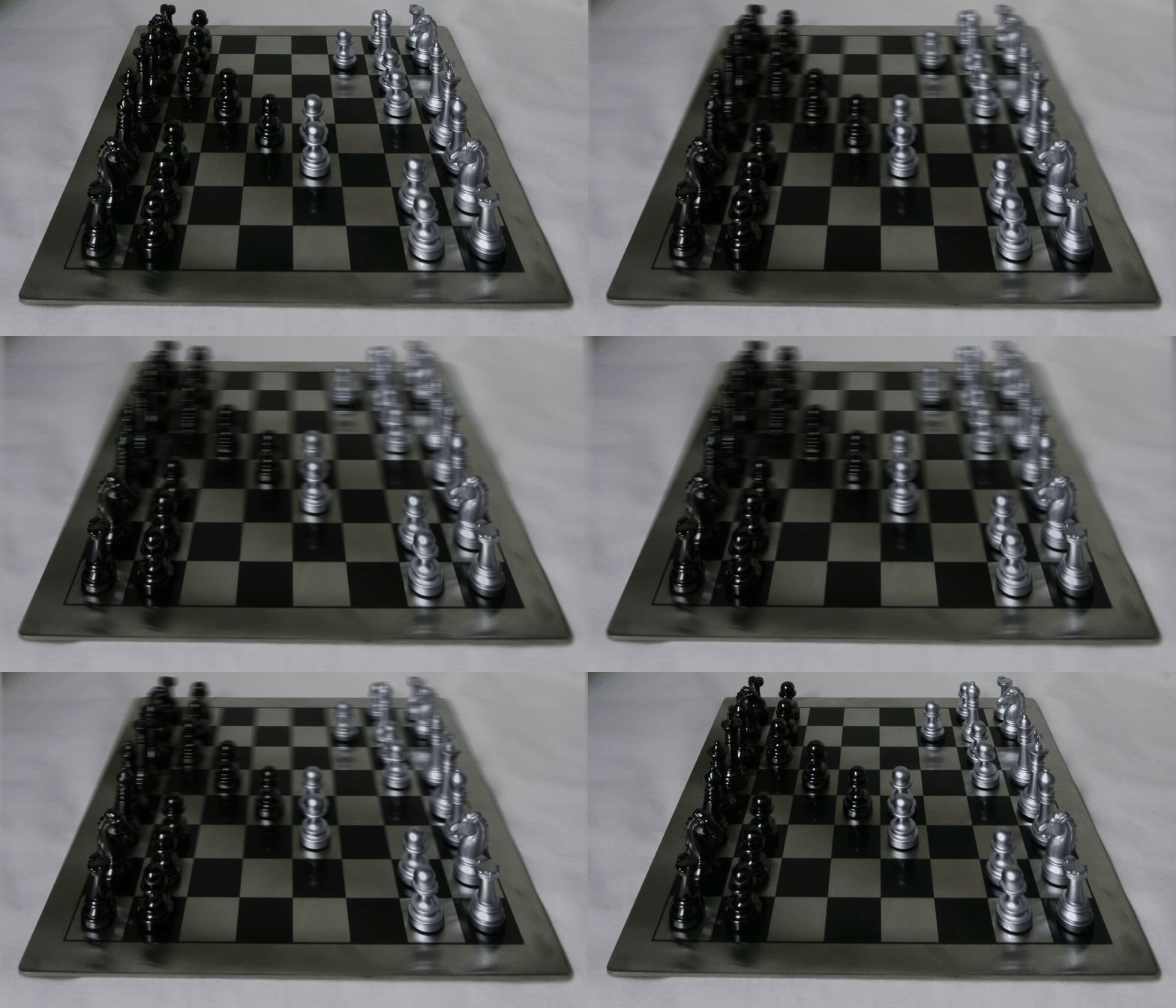
Depth -0.5
Depth 0
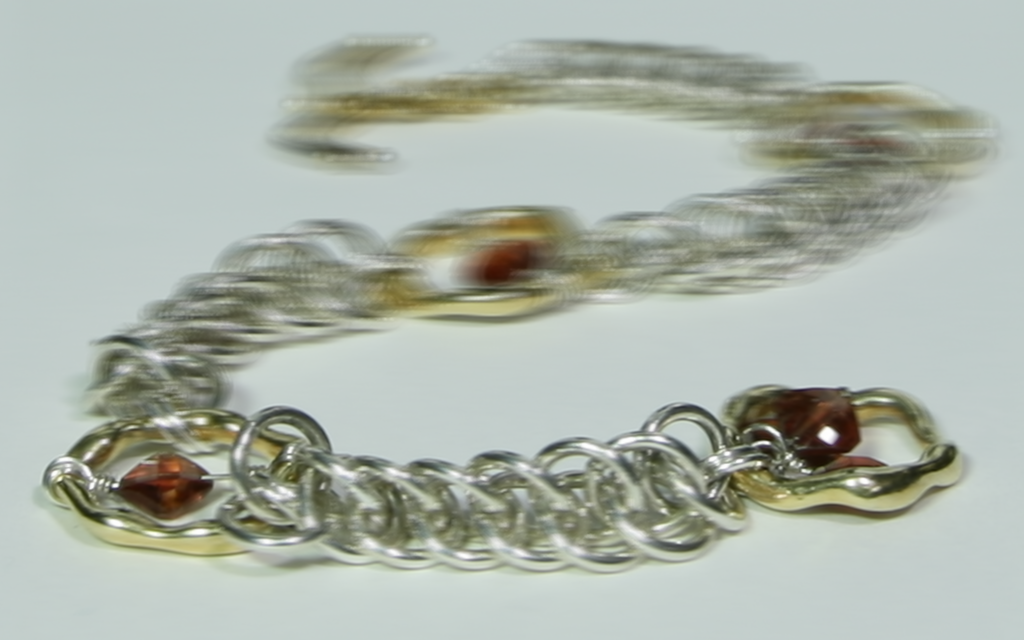
Depth 0.5
A) Depth refocusing.
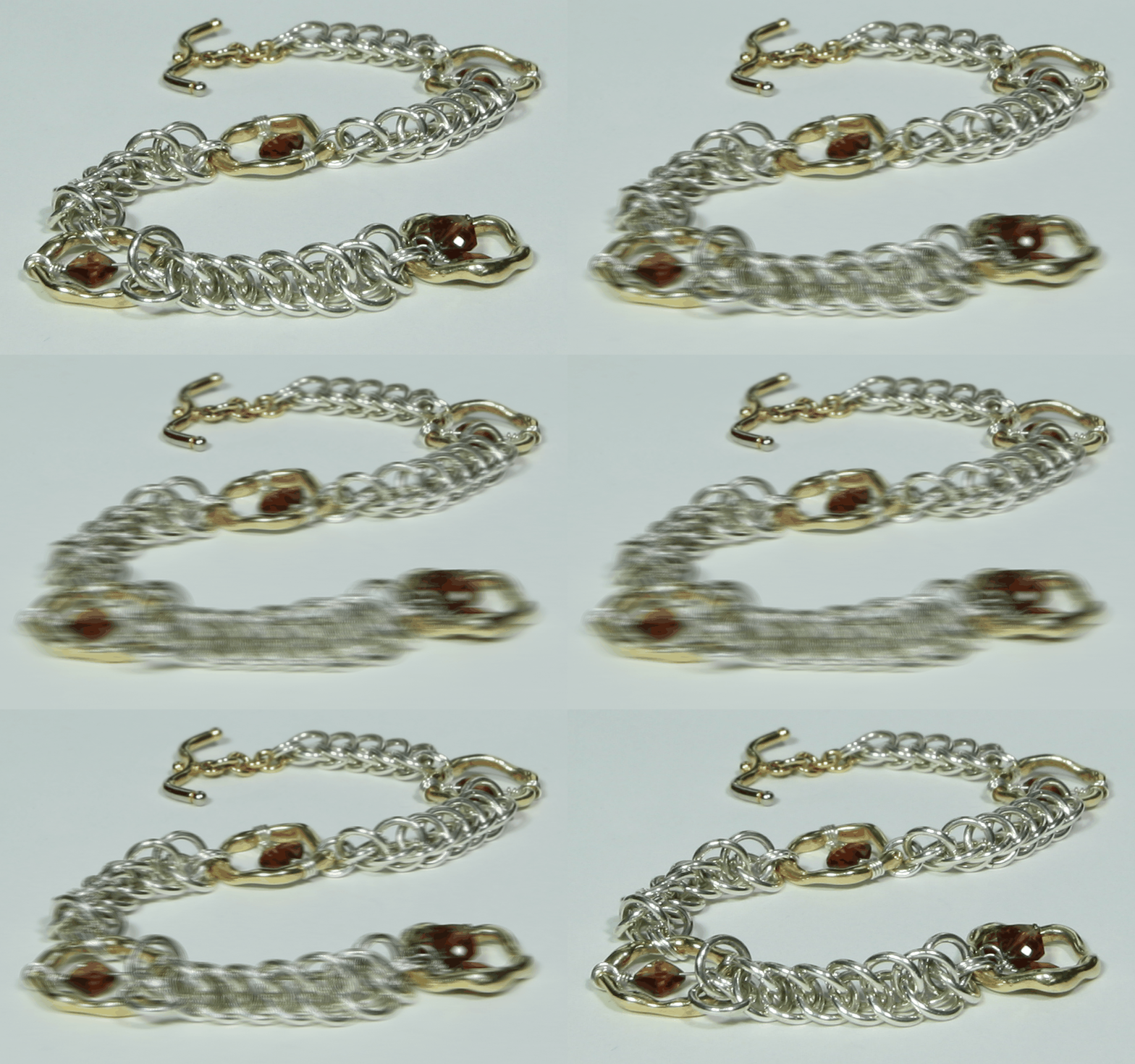
B) Aperture adjustment.
Each image has associated coordinates with it, camera position. I took image (8, 8) from 17x17 grid as the center and shifted all other images to that center image to get a focusing effect. shift_yx = depth_factor * (image_yx - center_image_yx). Here are the results that are gotten after varying depth parameter:
Depth gifs -0.7 to 1.3(they might take a while to load):
By selecting a radius within which we choose to average images we can simulate aperture. If sqrt(shift_yx^2) <= a then we add average the image.
Aperture gifs 0 to 50(they might take a while to load):
This project showed me how you can get great results by collecting a lot of data and operating on it..
A) Create steerable pyramids.
B) Match histograms.
C) Generate textures similar to reference.
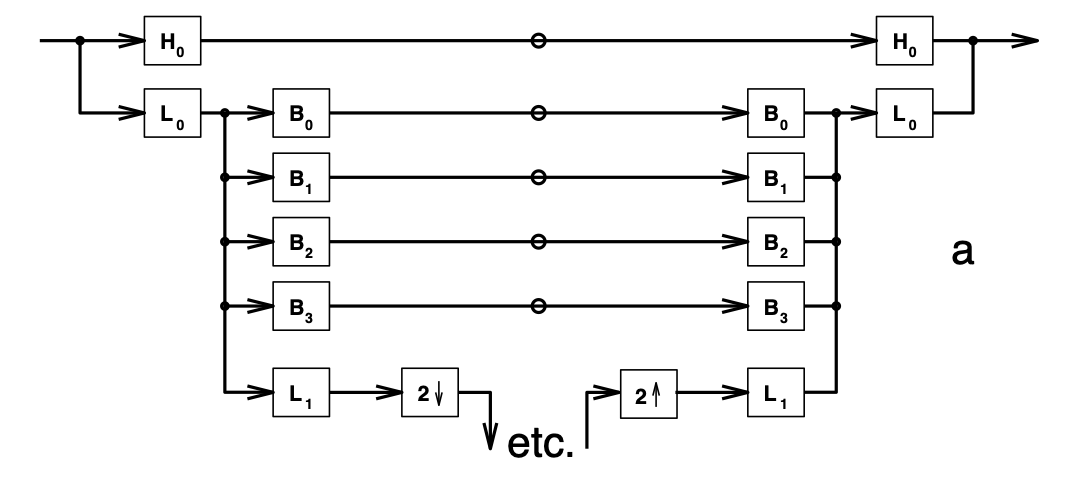
This is a simple approach to construct textures, since all textures have some structure to them we try to catch that structure with steerable pyramid - a pyramid similar to laplaccian pyramid, but using several bandpass filters.
To create steerable pyramids I took filters from pyrtools library


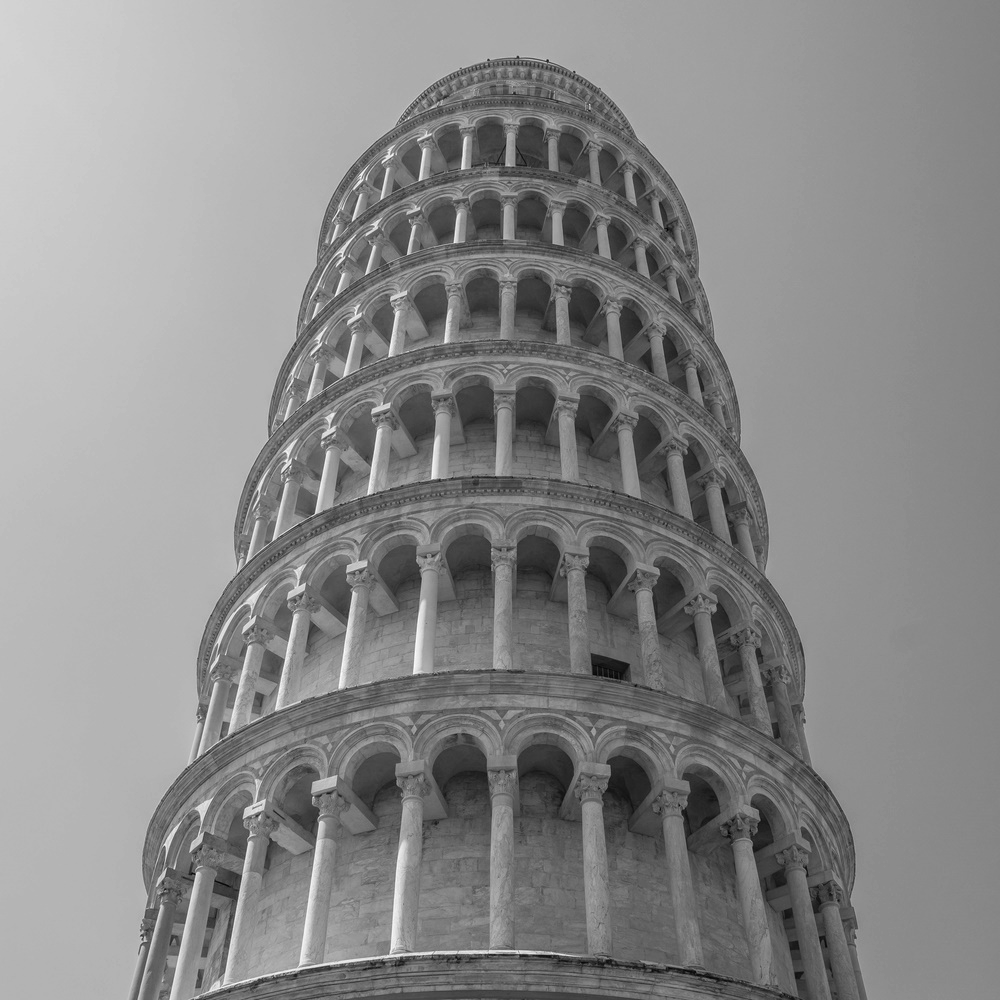
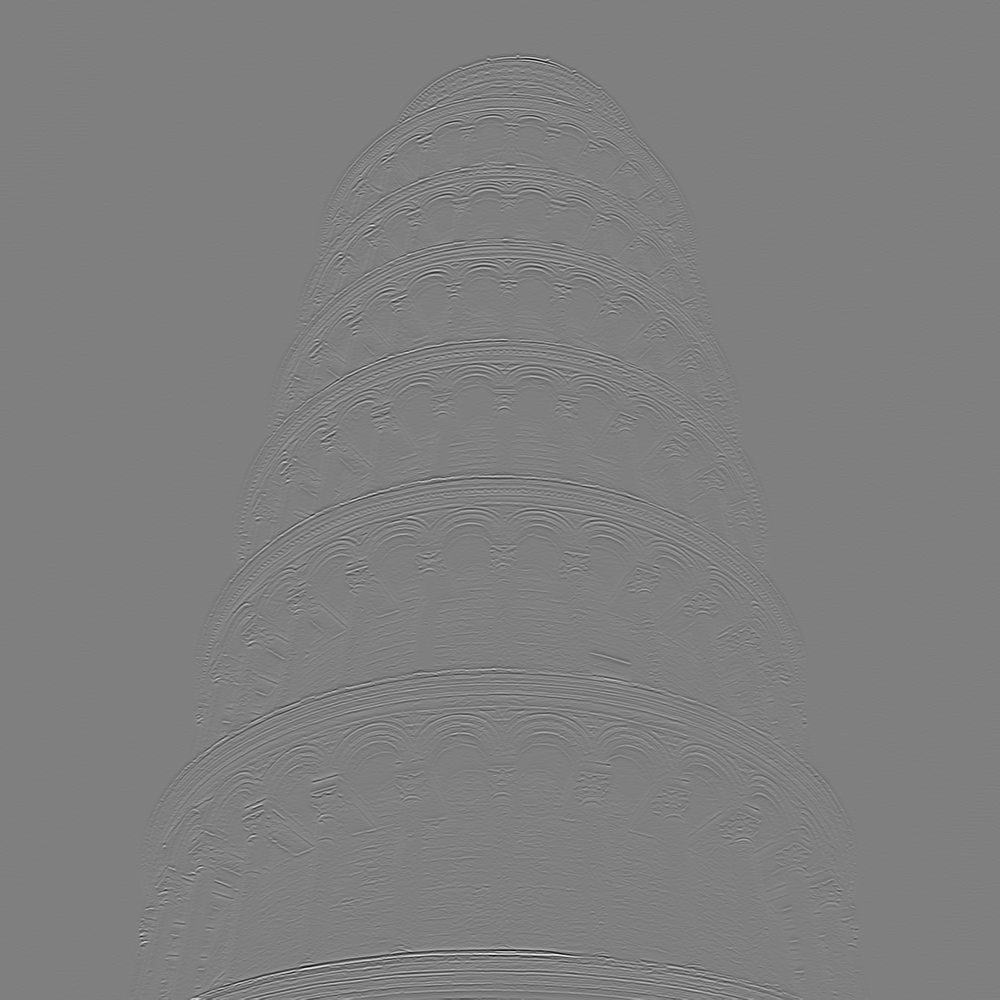
Here is tower of pisa convolved with these filters.
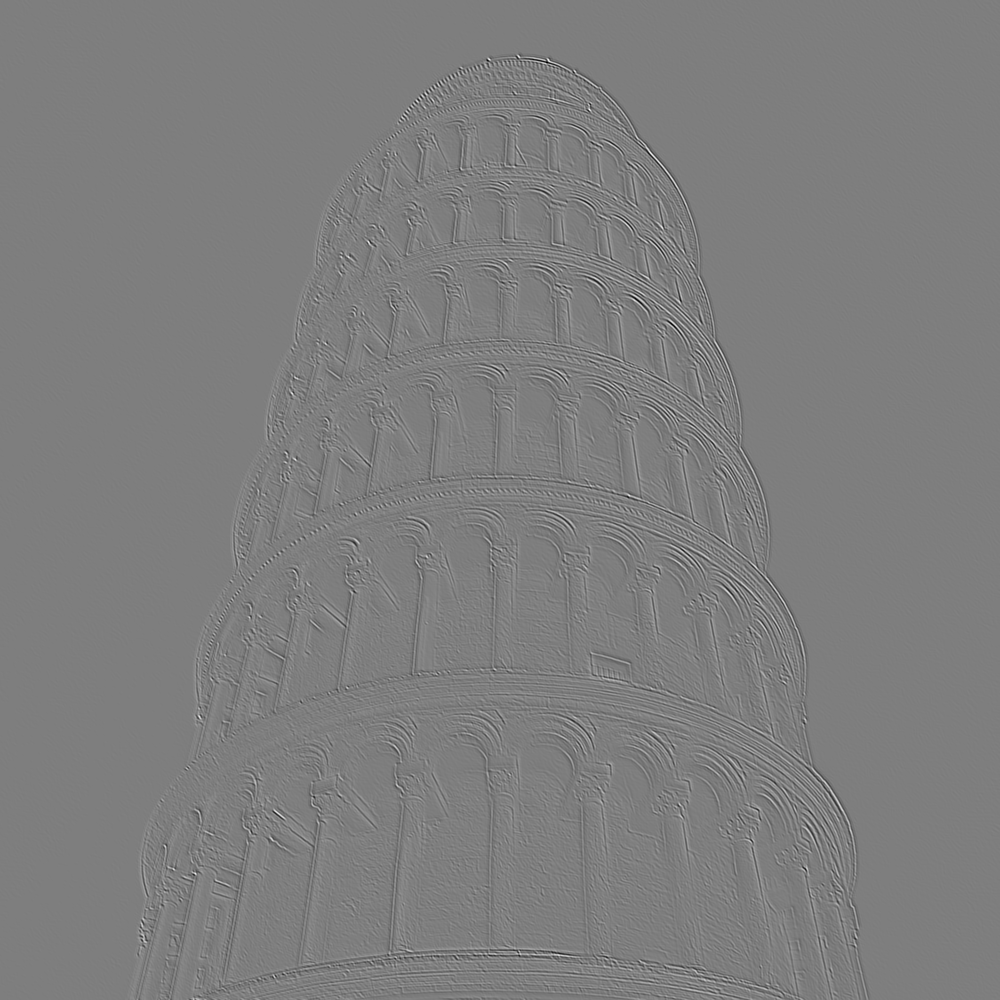
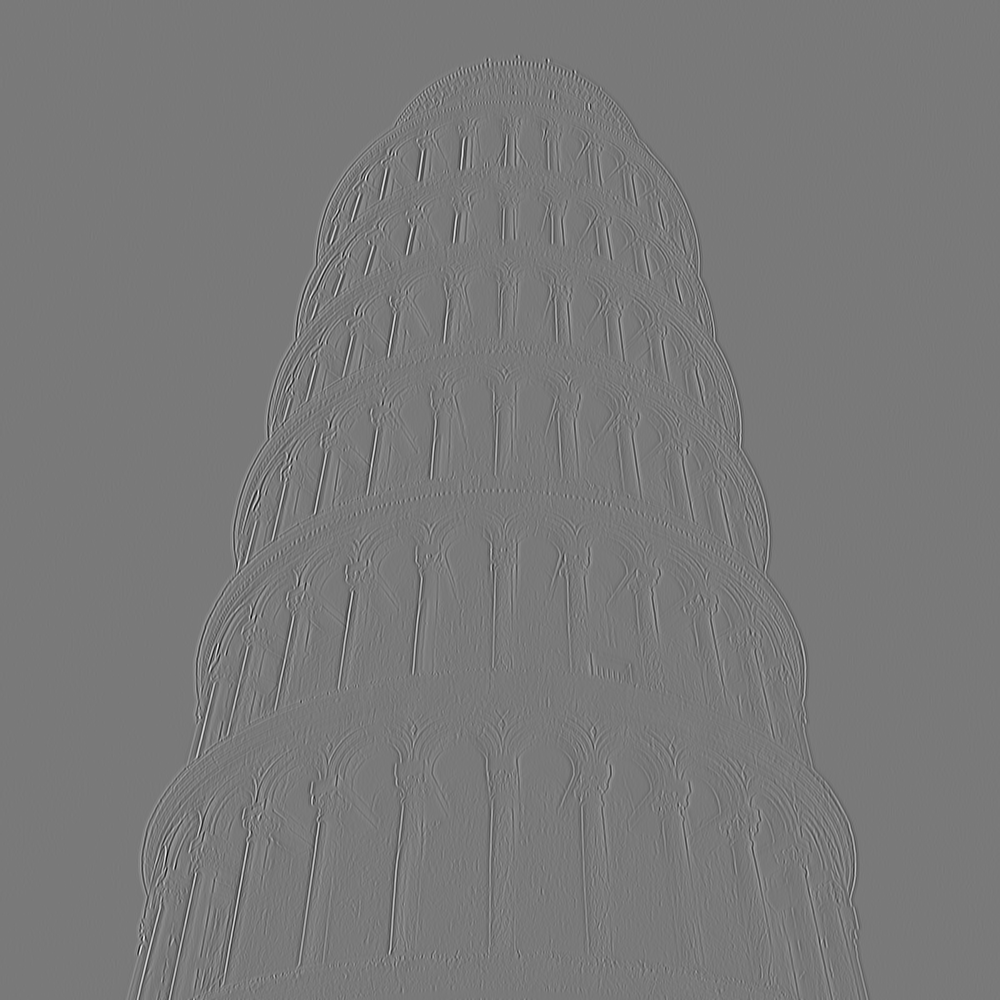
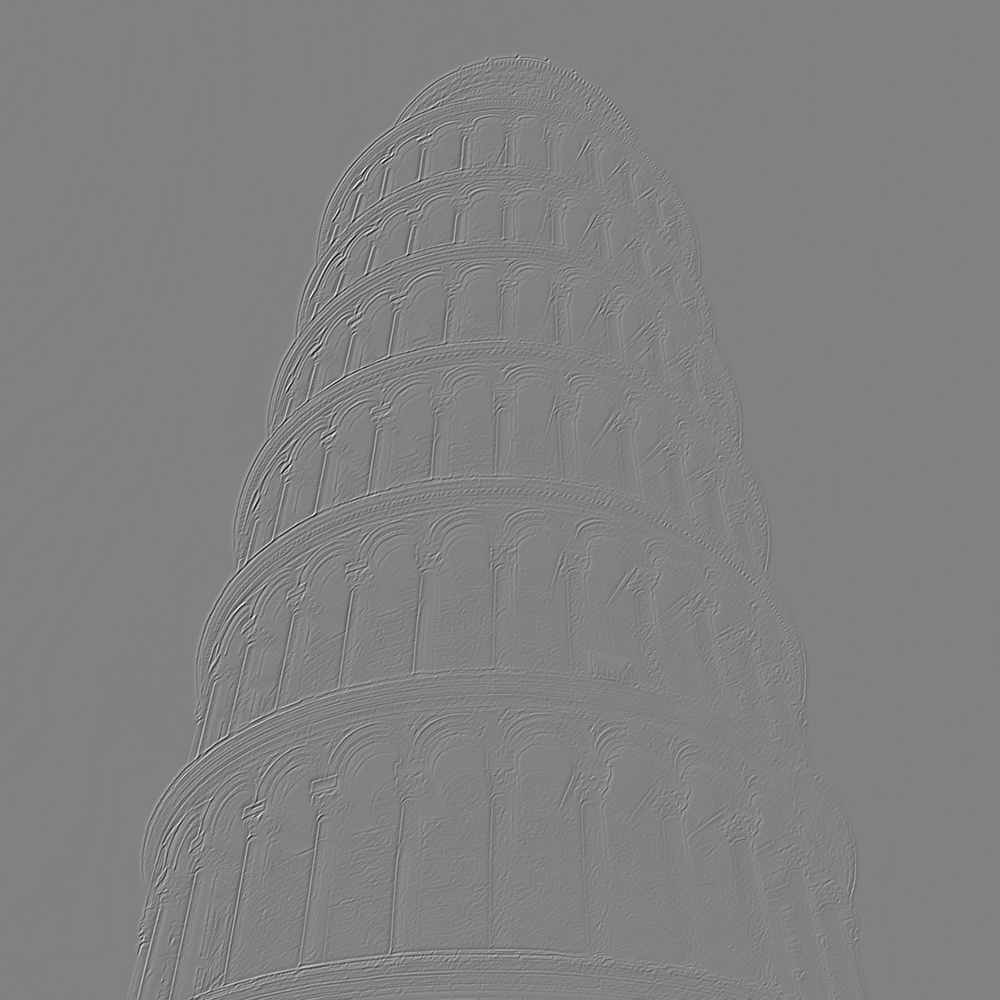
Here is a diagram from the paper which describes how steerable pyramid looks.
Steerable pyramid of tower of pisa.

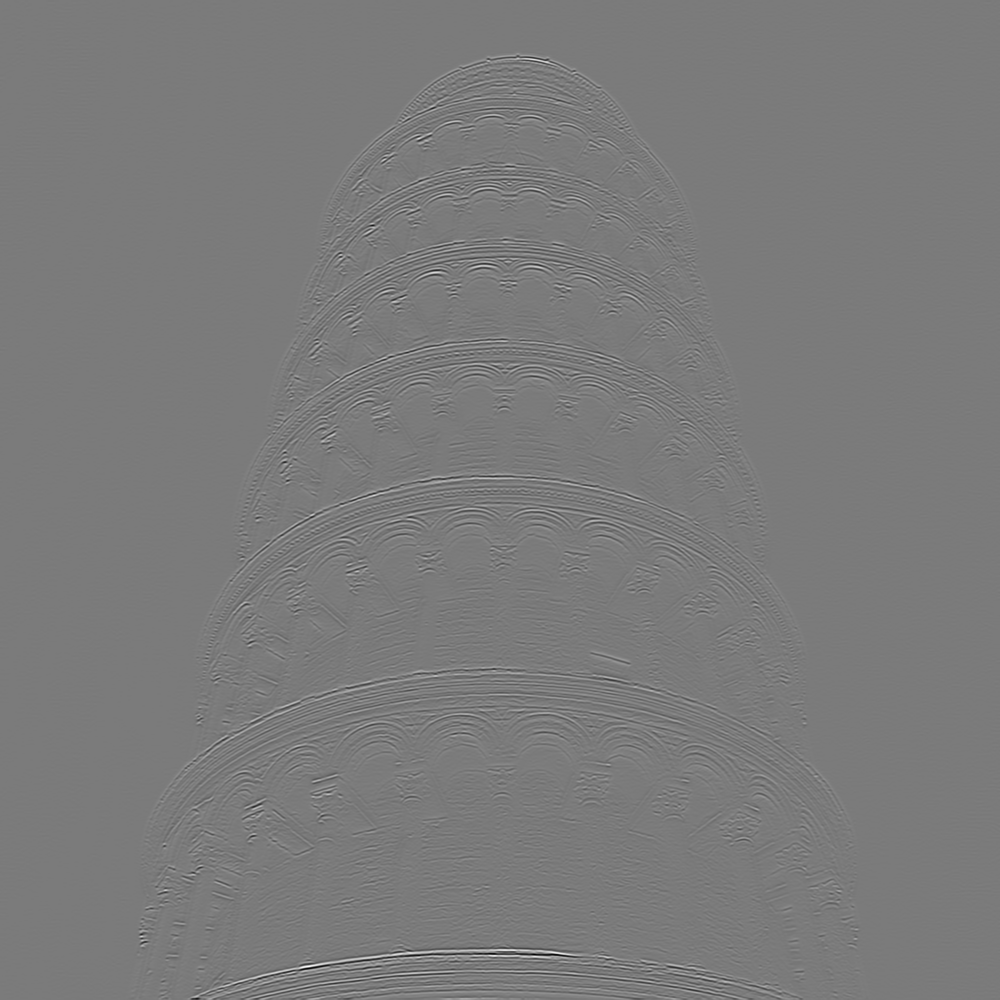
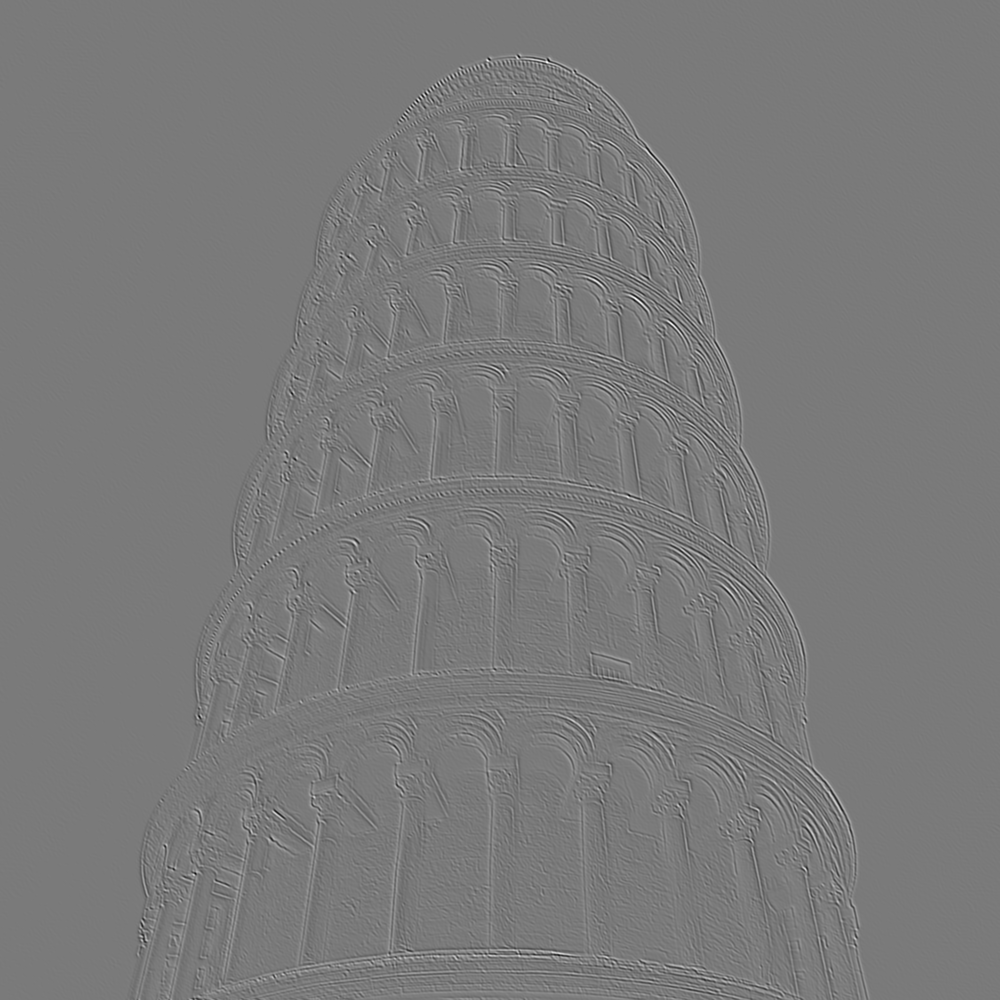
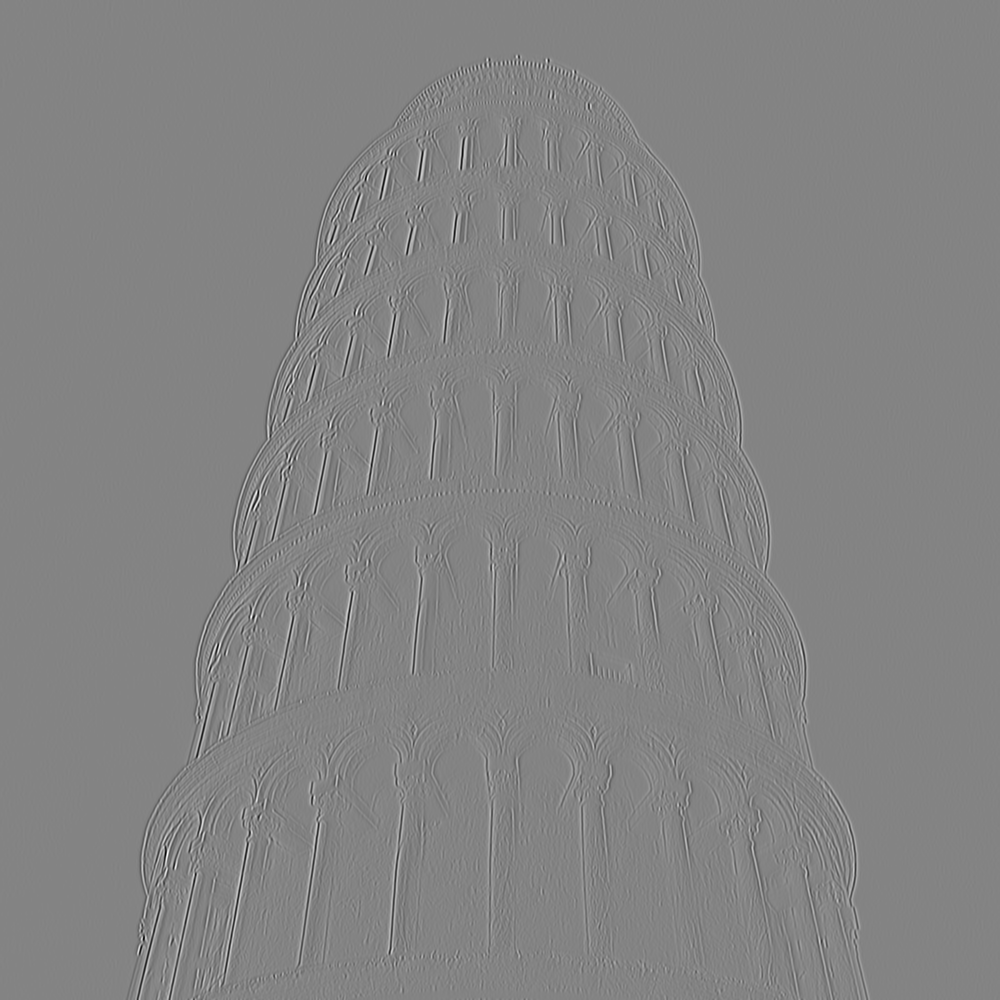
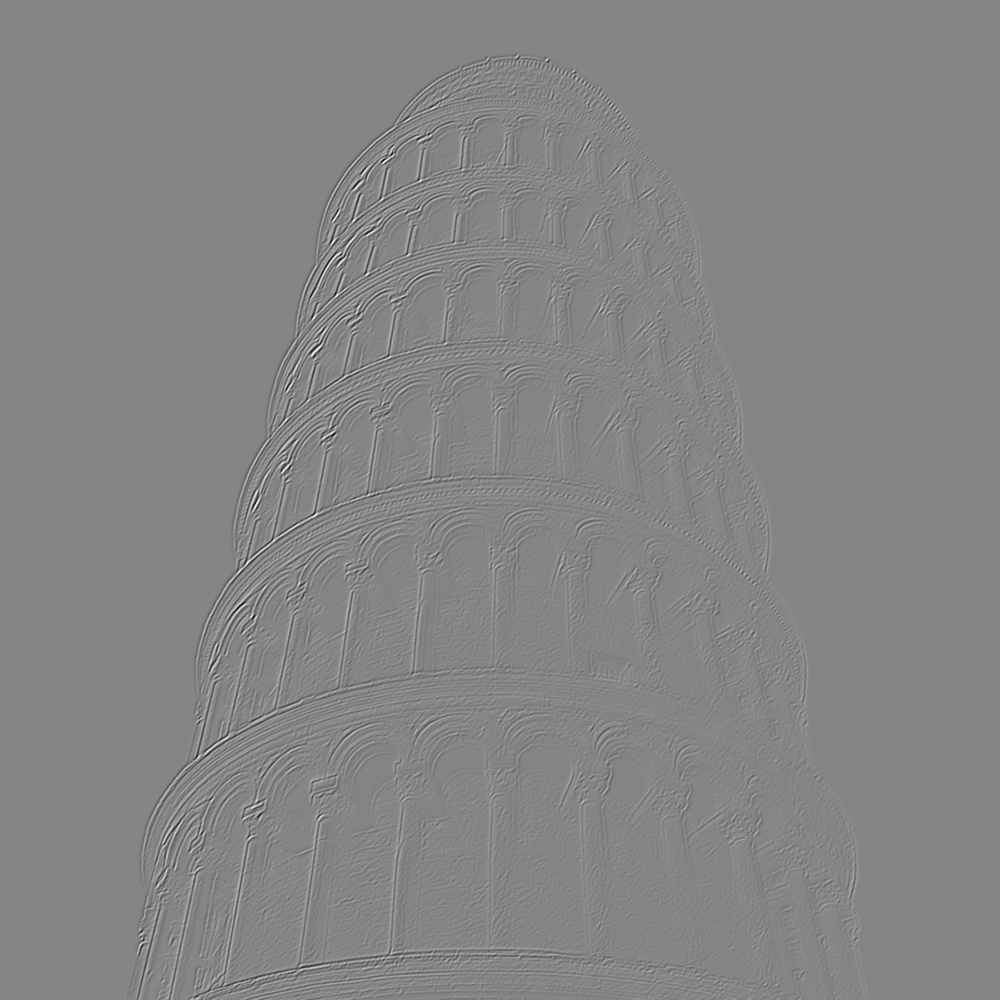
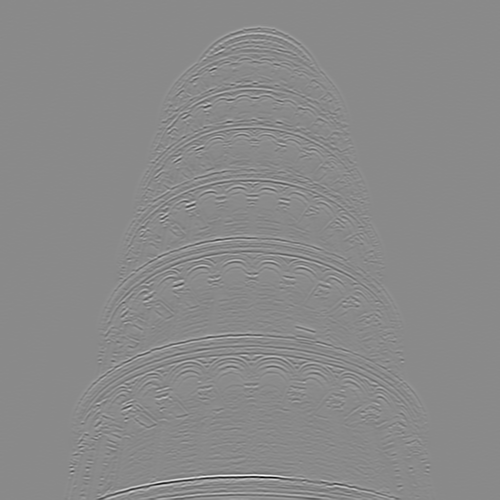
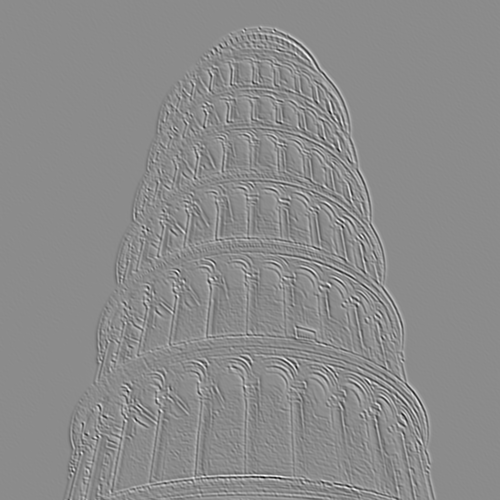
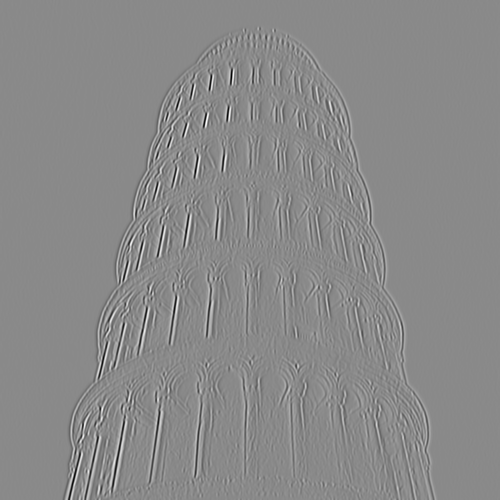
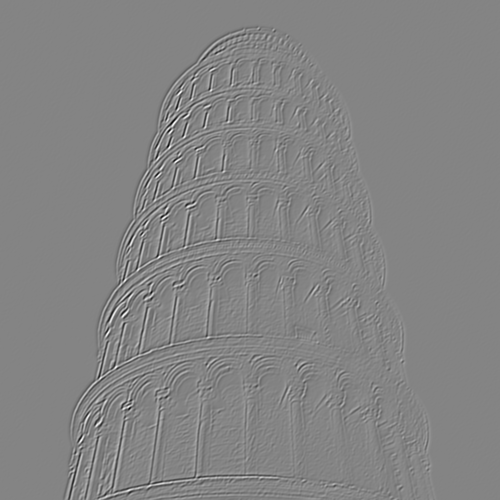
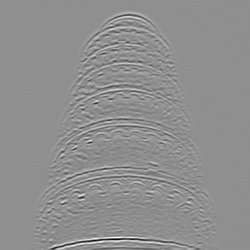
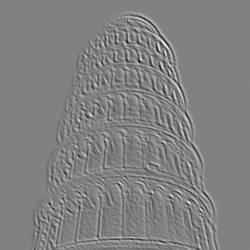
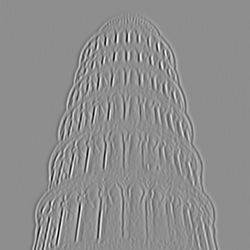
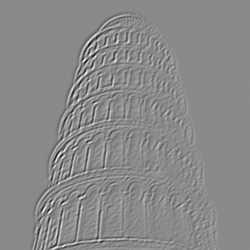
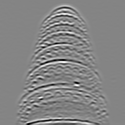
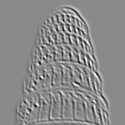
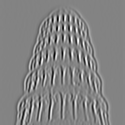
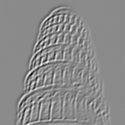


The pyramid looks correct, however I encountered issues when collapsing it to reconstruct the image. I realised the problem was in the borders, I used the regular "same" borders of scipy after upscaling(upscaling had to be zero padded, no interpolation). So I wrote my own padding to reconstruct image with minimal errors.
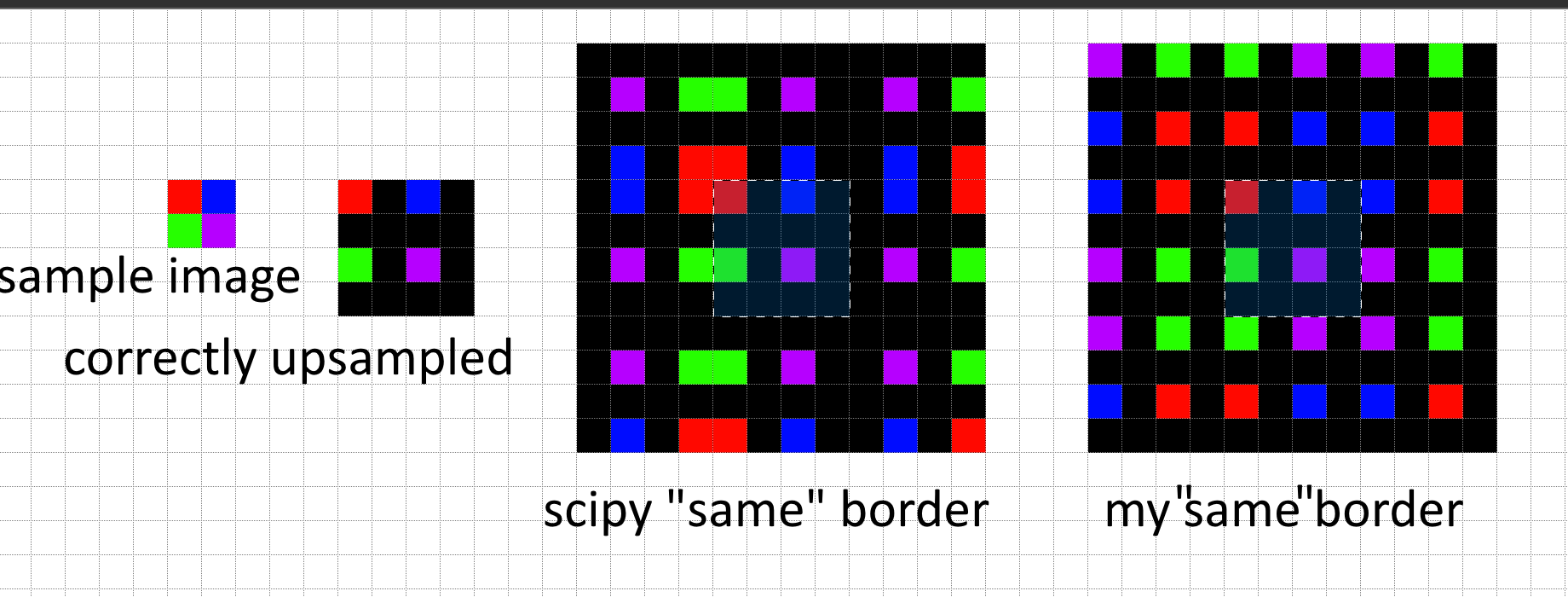
Here are the reconstruction results
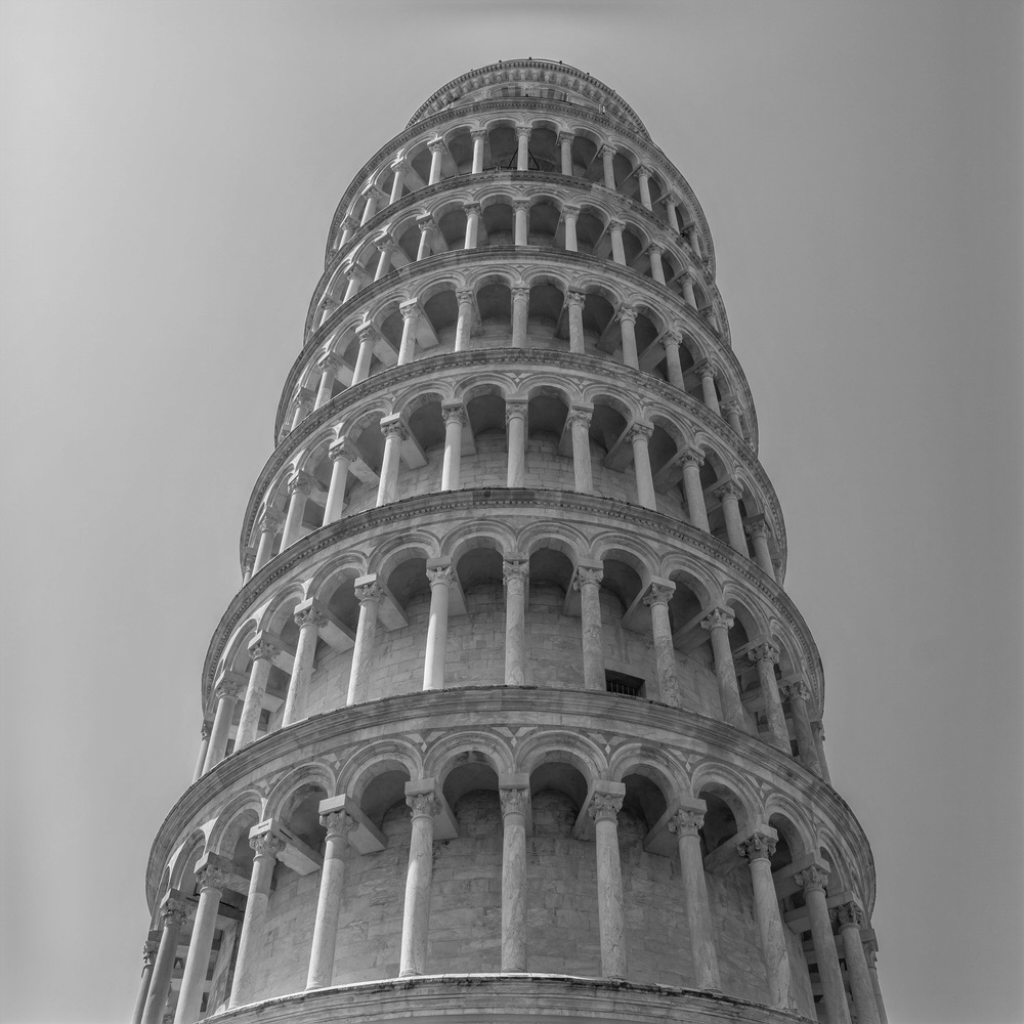
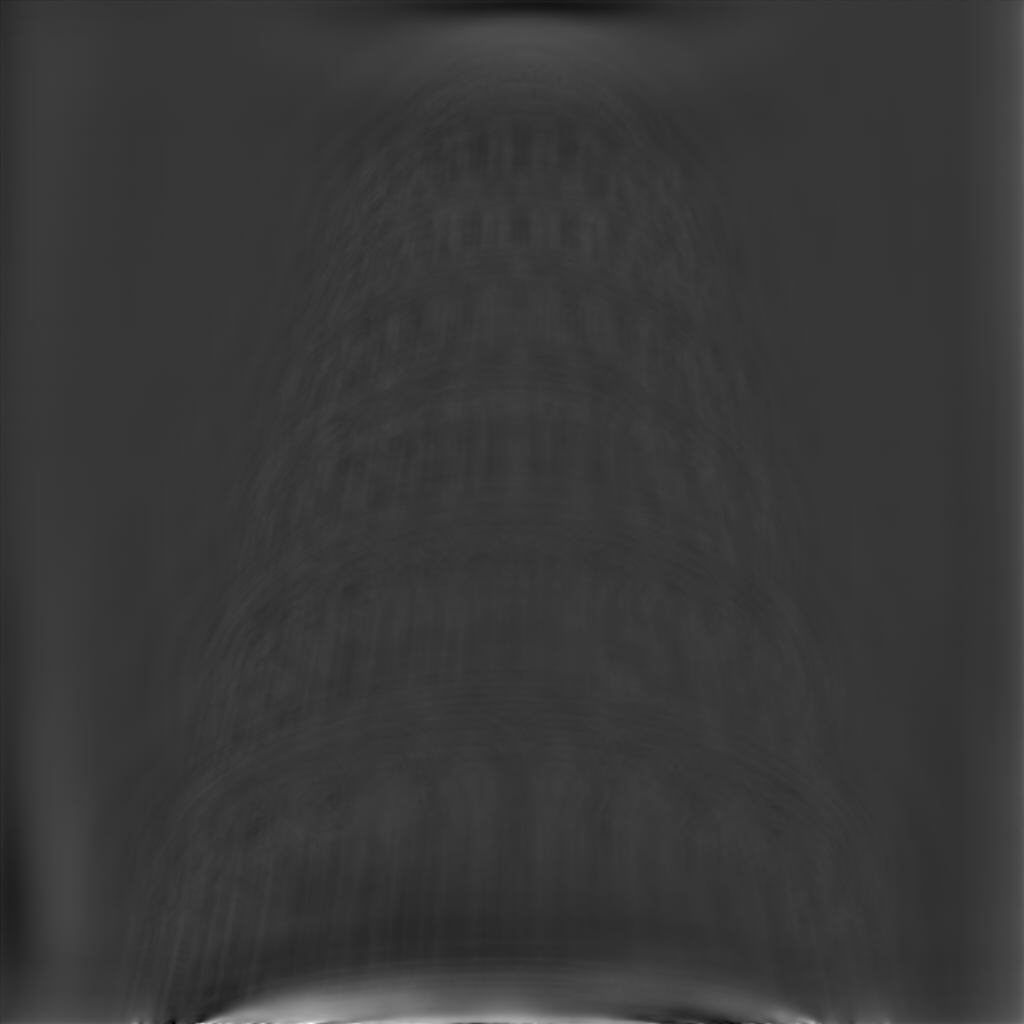
To match histograms I decided not to use CDF matching from first paper, and used the simpler sort matching from the second. I sort the pixels by value and set the k'th lowest pixels of image 1 to k'th lowest pixel of image 2, im1[idx_of_sorted_im1_pixels] = im2[idx_of_sorted_im2_pixels]. It behaves as expected and gives good results:
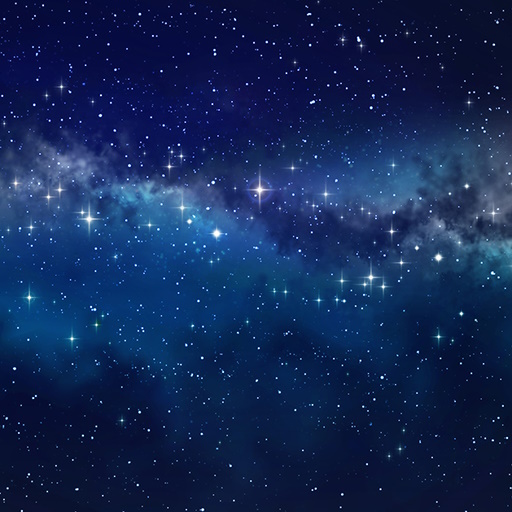
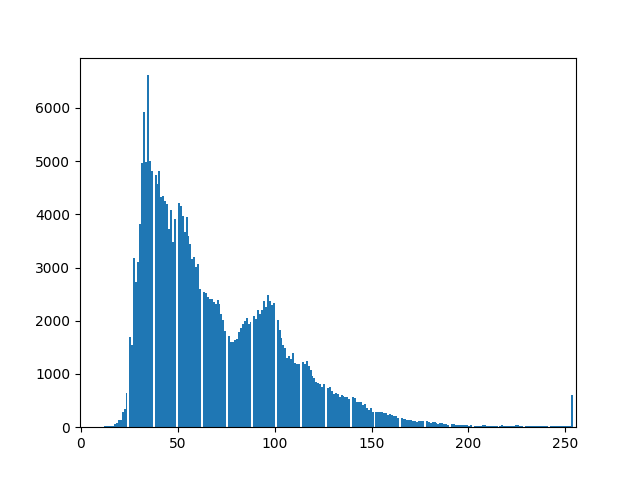
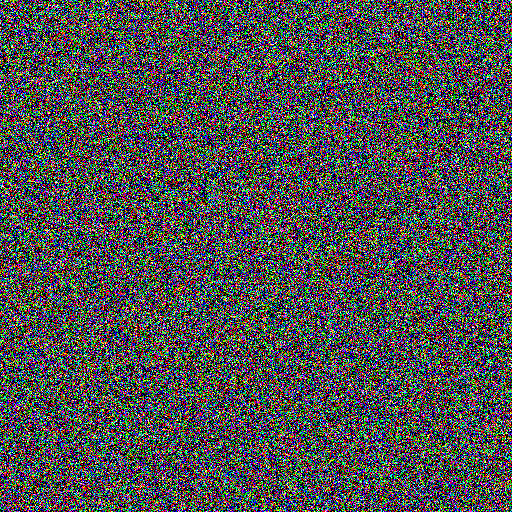
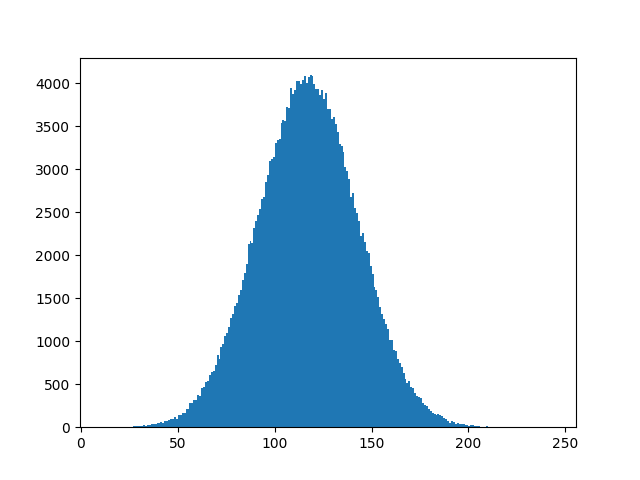

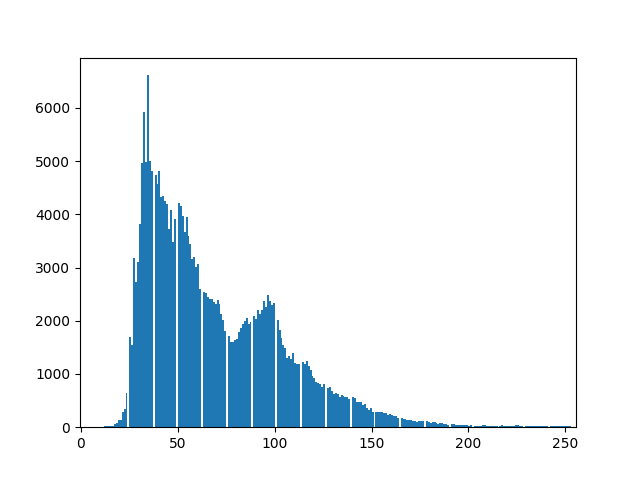
Now we can generate noise and histogram match every level of steerable pyramid, upon reconstruction we should get something similar to reference image. We iterate over histogram matching of pyramid to get better results, i.e we generate noise and WHILE NOT HAPPY: create pyramid, match pyramid to reference. Generated textures with 7 iterations, 4 filters, maximum acceptable depth of pyramid. To get colors working I had to convert to PCA color space, that decorrelated the colors.
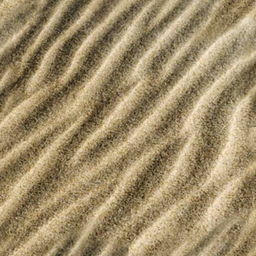
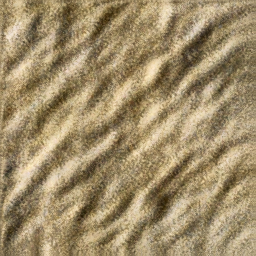
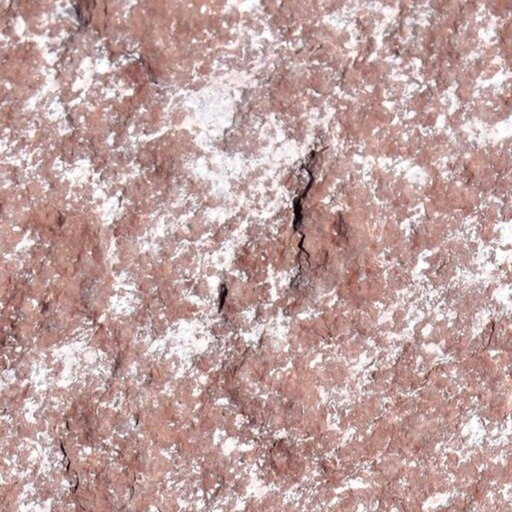
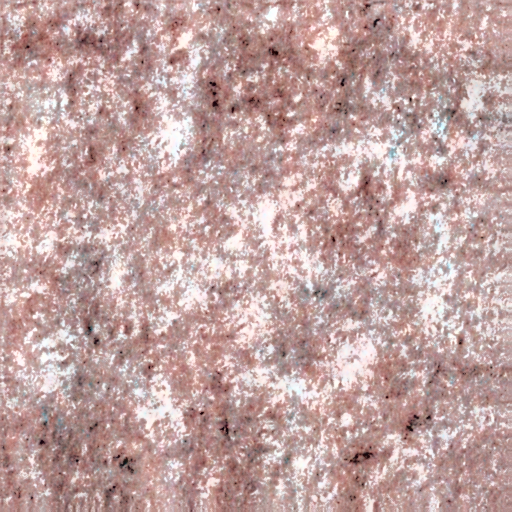
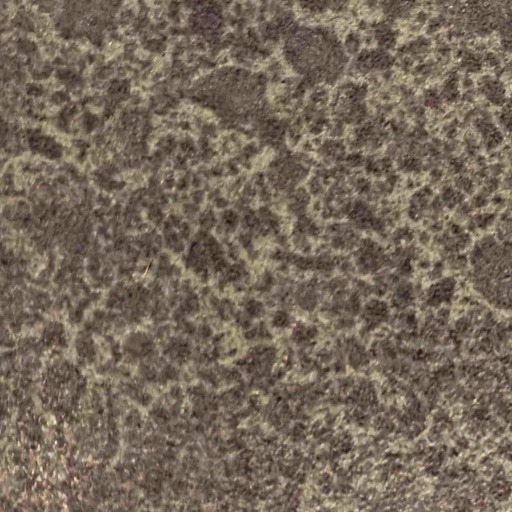
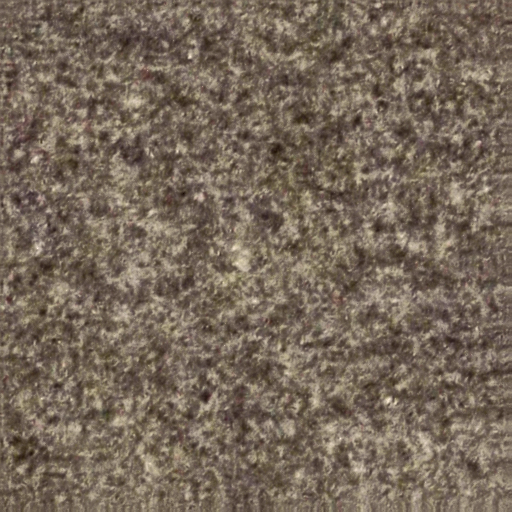
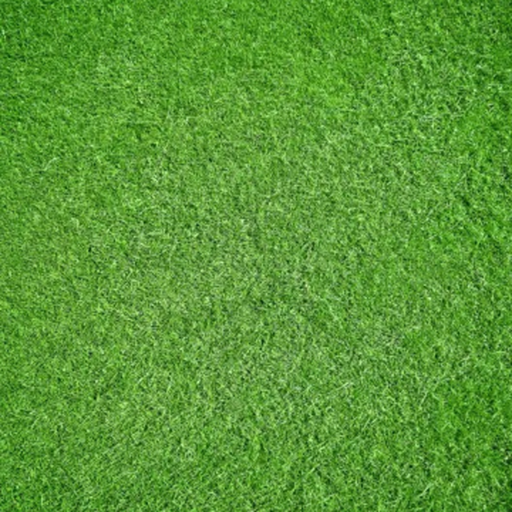
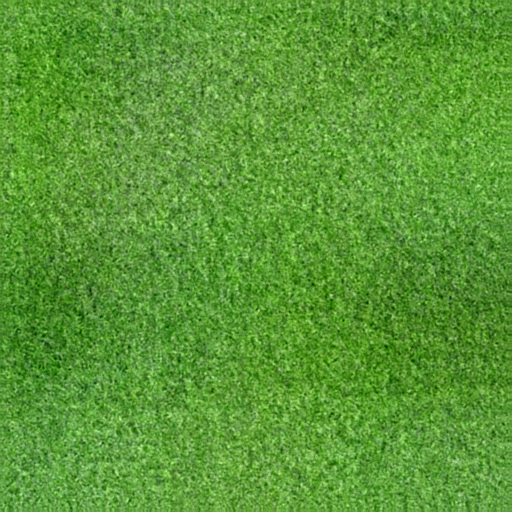
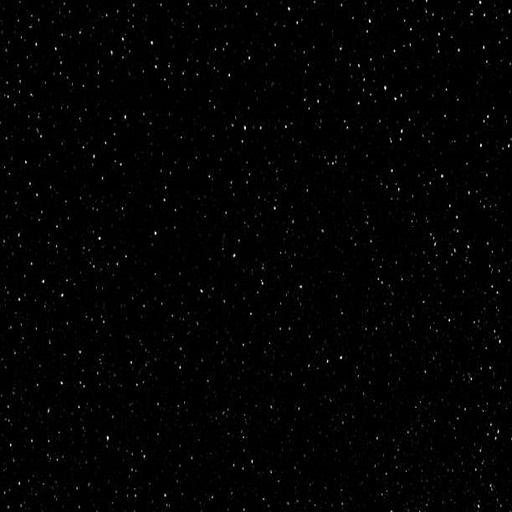
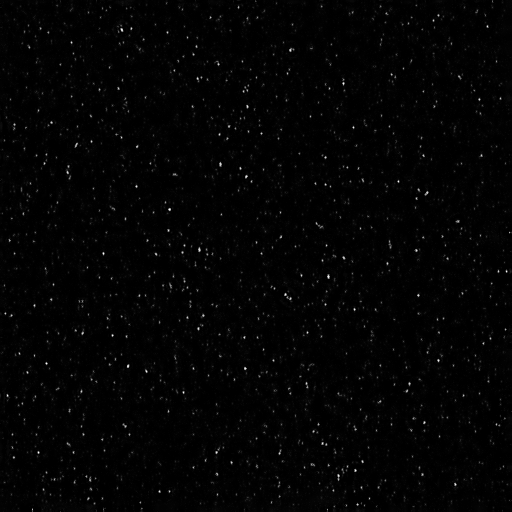
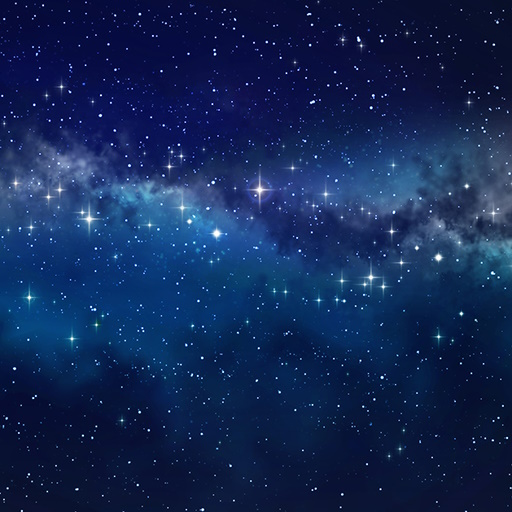
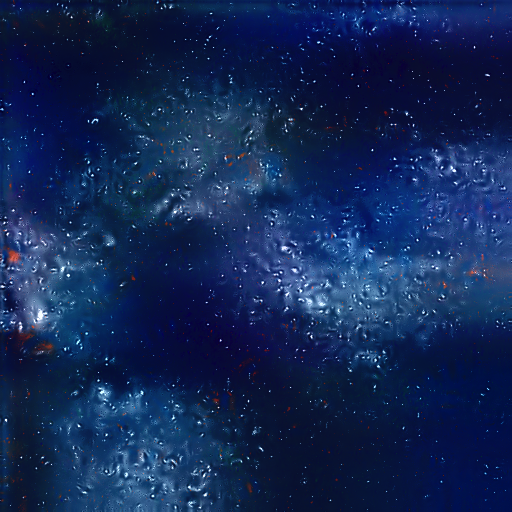
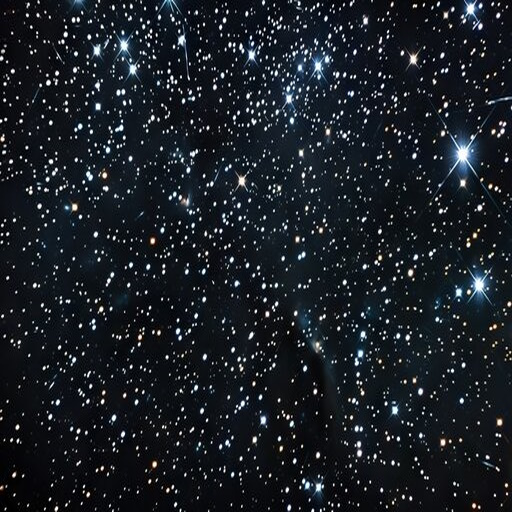
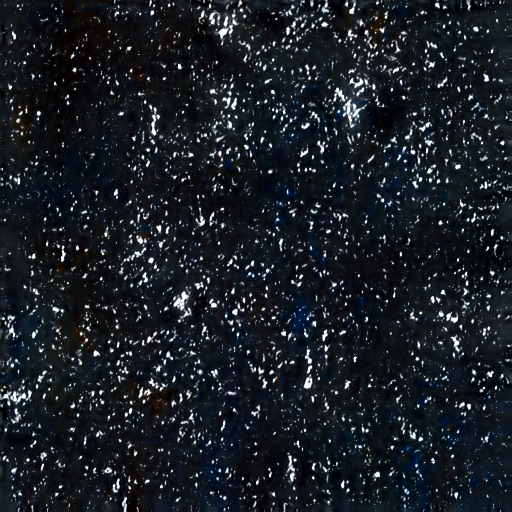
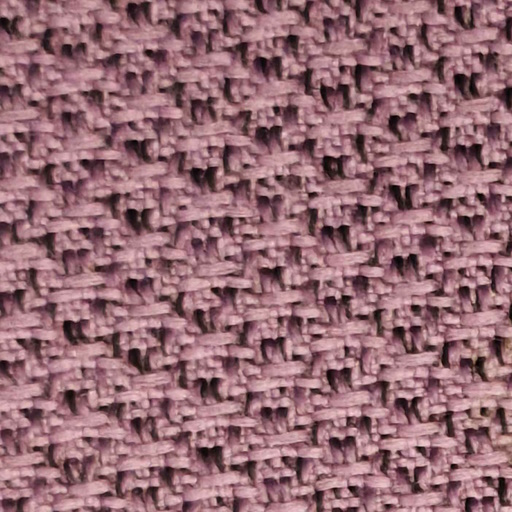
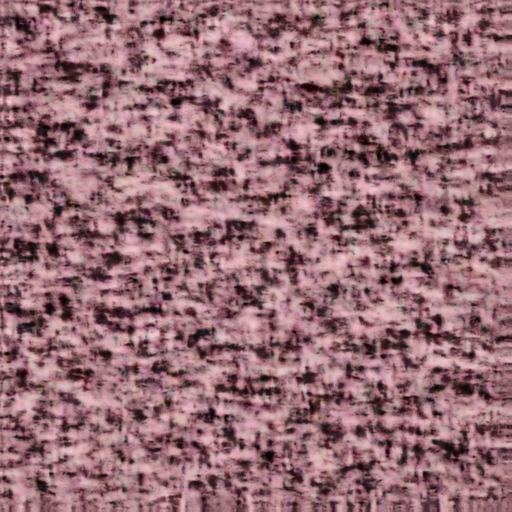
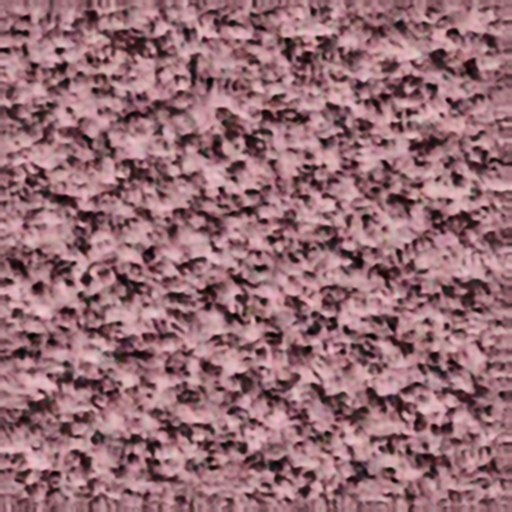
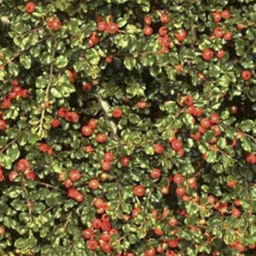
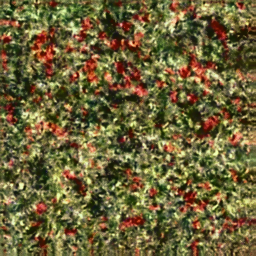
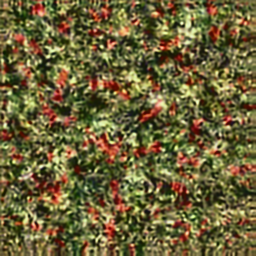
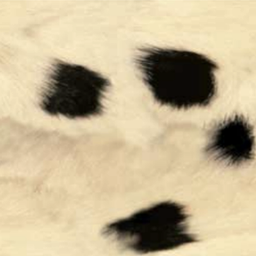
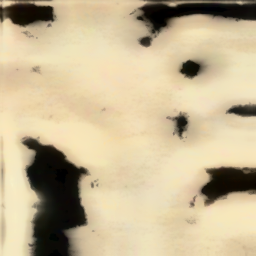
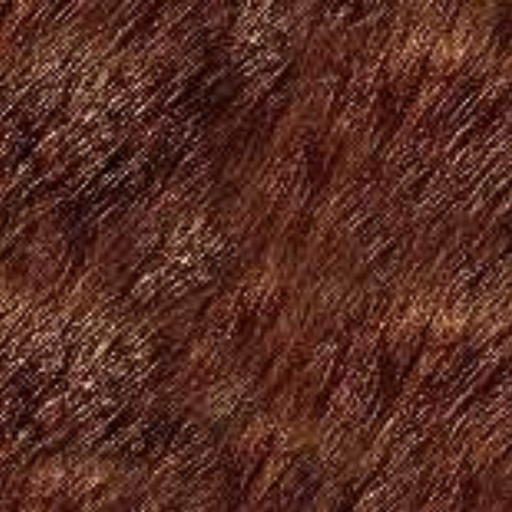
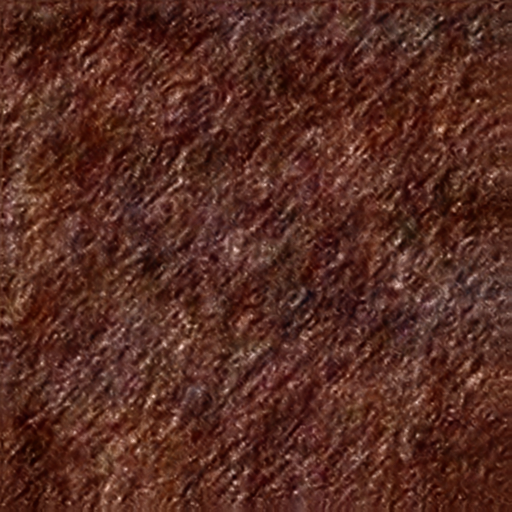
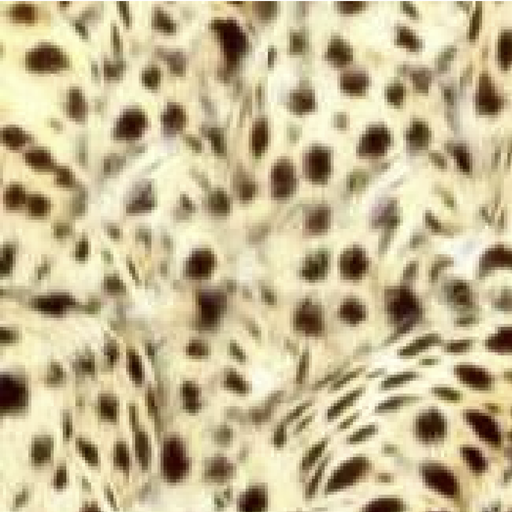
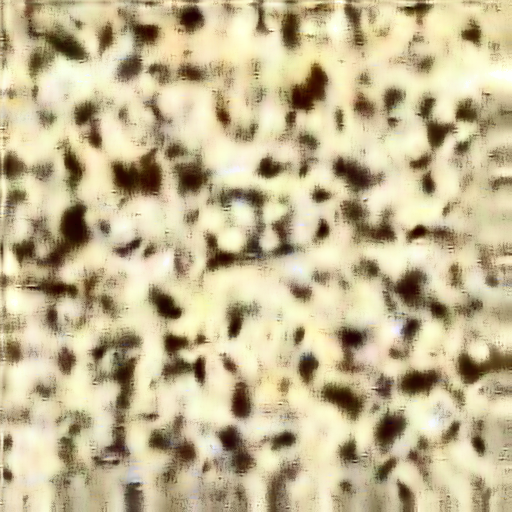
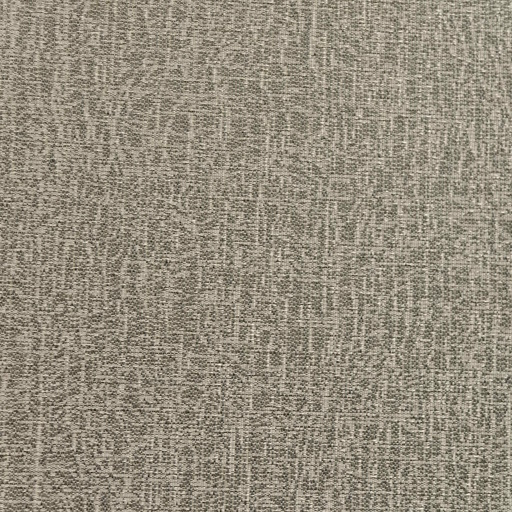
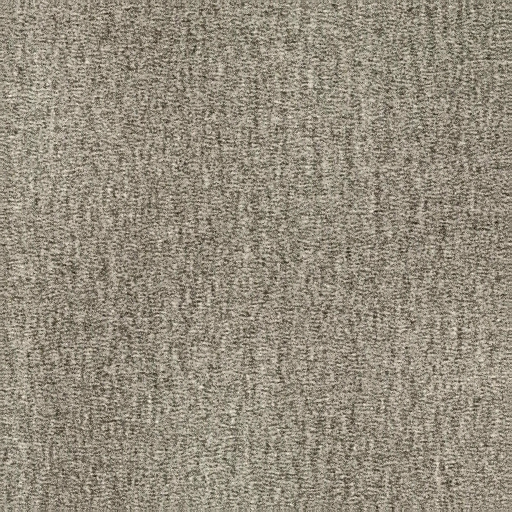
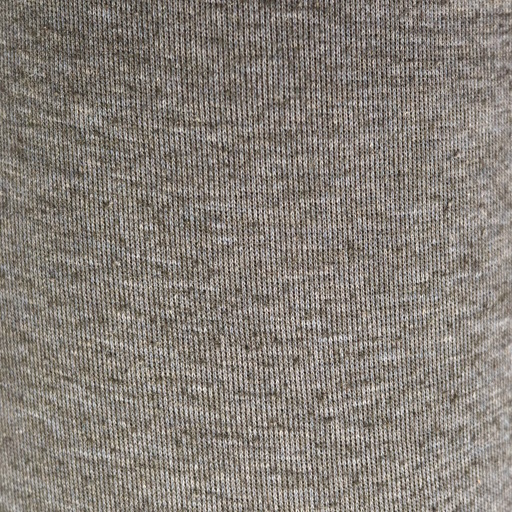
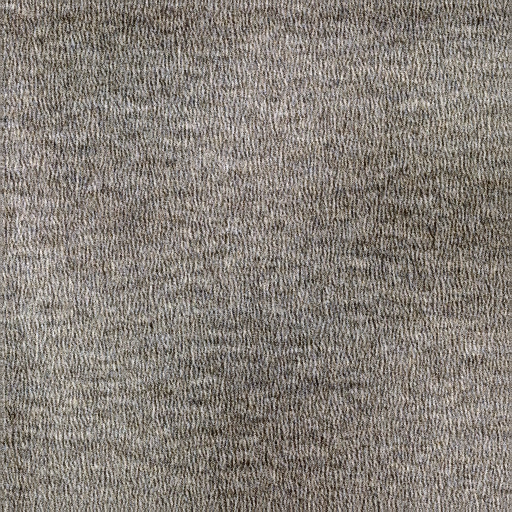
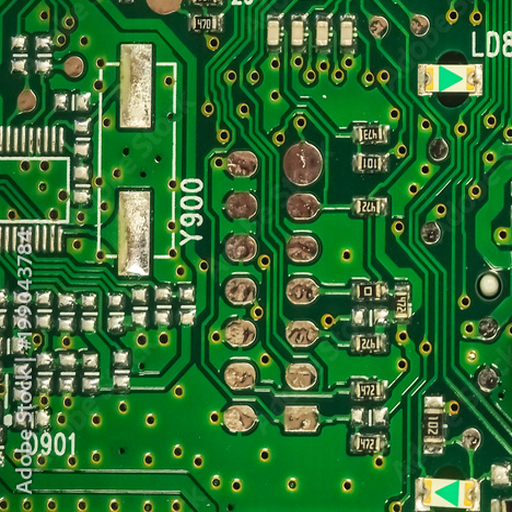
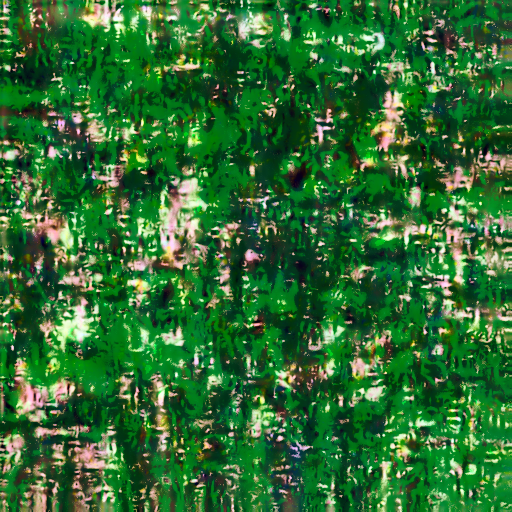
From all the results we can see that it works relatively well, especially if you squeeze your eyes or look from far away, this means that even though we create steerable pyraimd we cant catch all the higher frequency features, low frequency features are captured, but higher frequency structure is not captured. Even when we did 360 filters it only caught low frequency features.
We could change number of filters(orientations) in our steerable pyramid, depth of the pyramid, and number of orientations.
Tuning number of iterations, 0 iterations means we dont deconstruct out noise into pyramid
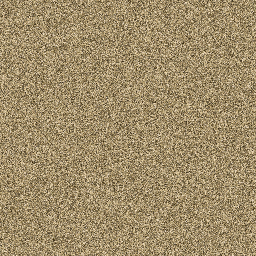
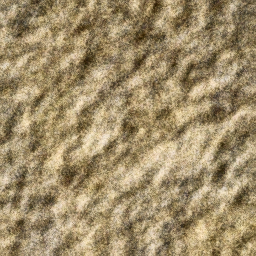
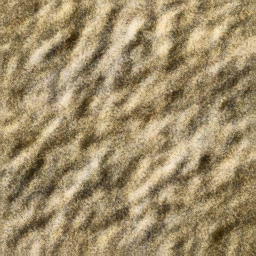
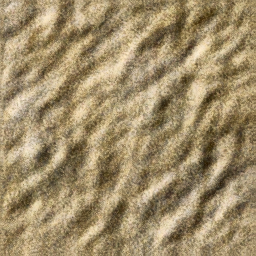
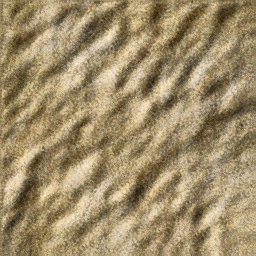
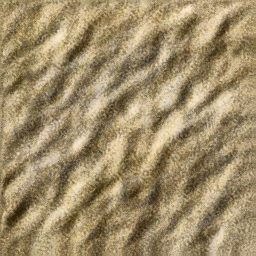
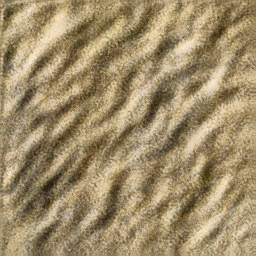
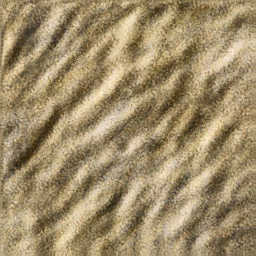
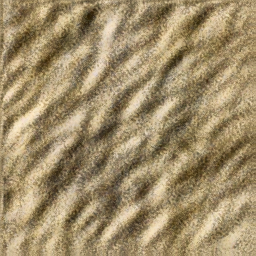
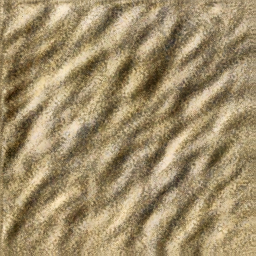
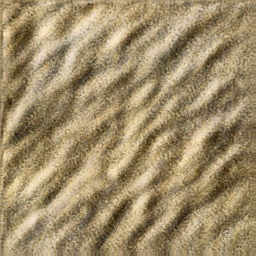
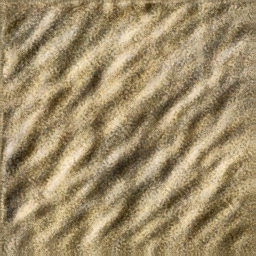
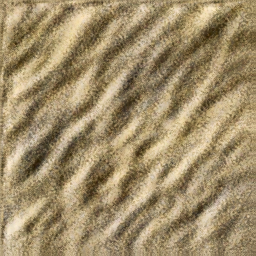
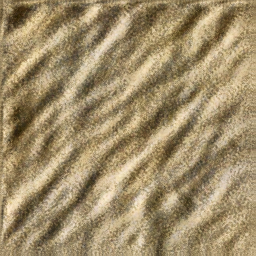
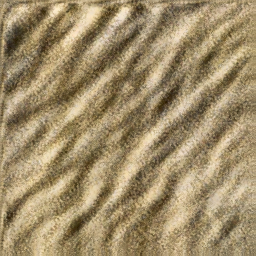
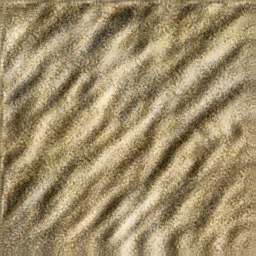
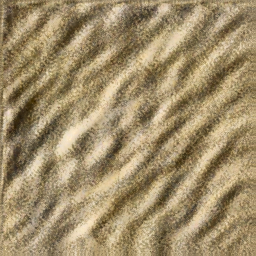
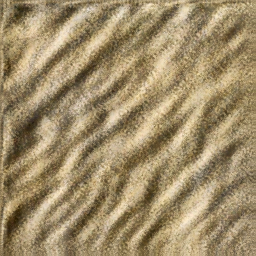
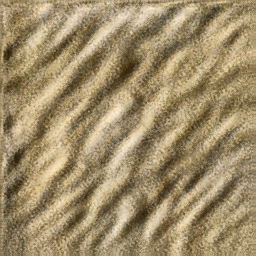
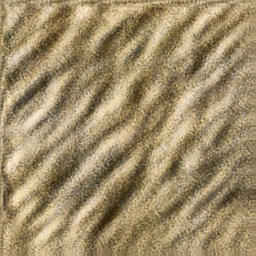
As we can see we need several iterations to capture the underlying structure, however number of iterations has diminishing returns. I chose 7 for my images since that seems to be safe value
Tuning pyramid depth
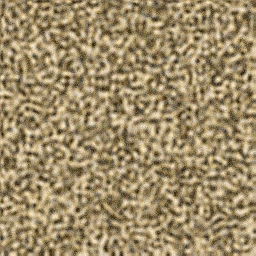
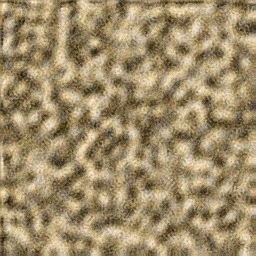
Here everything is simple: deeper the pyramid, better the results
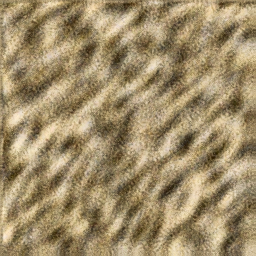
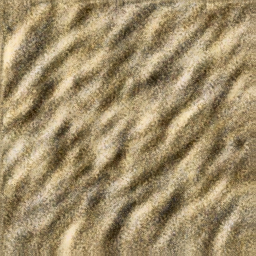
Tuning number of filters
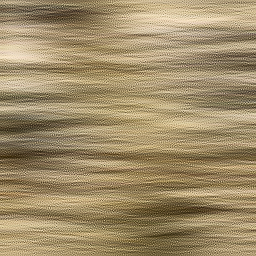
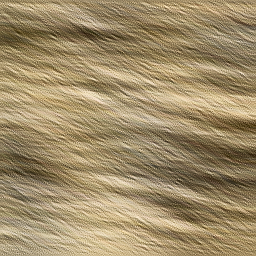
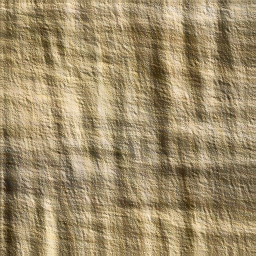
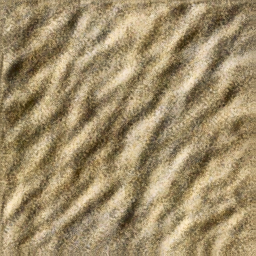
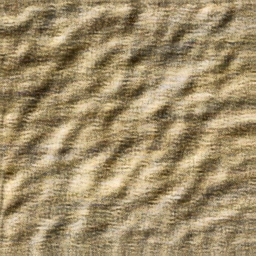
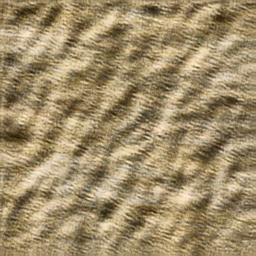
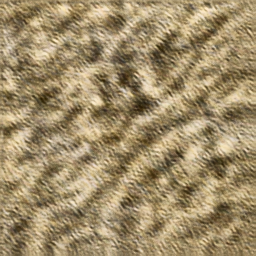
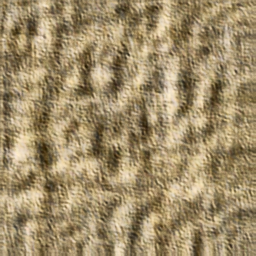
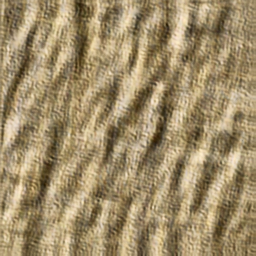
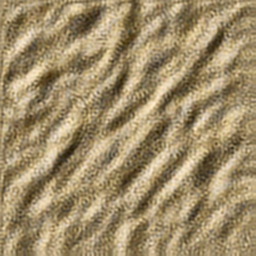
Here its harder to interpret the results, first 4 filters used are vertical, 2 diagonal ones, horizontal, so results make sense up to 4. However next filters are added on random, and seem to degrade image quality by picking up on some structure not seen by eye. Maybe its because I uniformly add random steered filters, but each added filter should be balanced with symmetrical one. But as we can see the difference between 360 and 4 filters is not high, indicating that 4 filters catch most of the structure in this image(since image is mostly diagonal)